Converting a Report to Formatted JSON in Python
The following Python code:
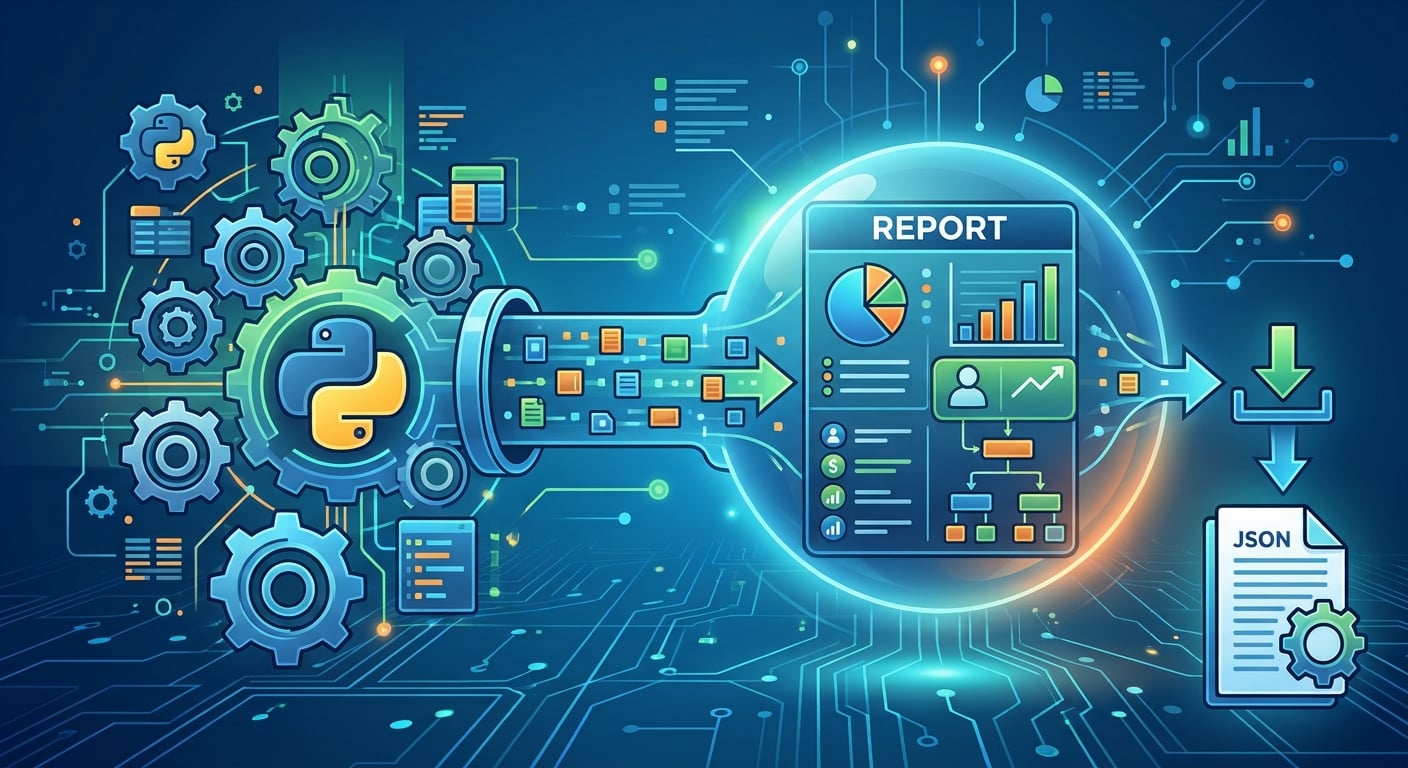
- Converts the Python report into JSON.
- Formats the output with four-space indentation.
- Preserves special and international characters.
json_report = json.dumps(
    report,
    indent=4,
    ensure_ascii=False,
)
It uses Python's built-in json module to transform Python data into JSON format.
Understanding each parameter
json.dumps()
- Converts a Python object (such as a dictionary or list) into a JSON-formatted string.
- The
sindumpsstands for string.
2. report
- The Python object you want to convert.
- It could contain dictionaries, lists, numbers, strings, or Boolean values.
3. indent=4
- Adds indentation of four spaces.
- Makes the JSON output more readable by organizing nested data.
4. ensure_ascii=False
- Preserves non-English characters.
- Useful when working with accented characters and languages such as Greek, French, or Spanish.
5. json_report
The formatted JSON output is stored in the json_report variable so it can be accessed and used later in the program.
Example output:
{
    "name": "Monthly Report",
    "department": "Finance",
    "status": "Completed",
    "manager": "Maria"
}
Why is formatted JSON useful?
- Readability: Makes complex reports easier to inspect.
- Data exchange: Allows information to be shared between different applications.
- Compatibility: JSON is widely supported by APIs and web applications.
- Character preservation: Keeps international characters readable.
This mini-guide was originally published on PDF Python Hub, where you can find more in-depth Python resources for working with PDFs.
About the author
- PDF Python Hub is dedicated to teaching PDF programming, automation, and engineering with Python through practical, project-based courses. Whether you're a complete beginner or an experienced Python developer, the goal is to help you build the skills needed to work with PDF documents confidently—from reading and extracting data to building enterprise document processing and AI-powered workflows. What You'll Learn The curriculum covers every stage of PDF processing, including: -PDF fundamentals -Document extraction -PDF manipulation -Forms, tables, and images -OCR and scanned documents -Security and redaction -Enterprise automation -AI-powered document processing How You'll Learn Every course is designed to be: -Beginner-friendly with clear, step-by-step explanations -Focused on practical, real-world applications -Built around hands-on projects and assessments -Structured as a complete learning path from beginner to expert Our Mission Our mission is simple: To make PDF processing with Python accessible, practical, and enjoyable by teaching real skills that can be applied to everyday automation tasks and professional software development. Whether you're learning for your career, your business, or your own projects, you'll gain the knowledge and confidence to build powerful PDF automation solutions with Python. Learn more: https://payhip.com/PDFPythonHub/blog/news
Comments
Join the discussionNo comments yet. Be the first to comment.